A household management system needs a shared place for current information, clear owners for recurring responsibilities and a way to communicate changes. Start with the family work that causes repeated questions. Keep the setup small enough that maintaining it does not become another job.
Start with the questions you keep answering
Write down three questions that returned this week: what time is pickup, what is for dinner, where is the form? Each points to information that is missing, hard to find or waiting for someone to act.
Choose one area first. Moving the entire household into a new system at once makes it harder to see what actually helped. Kaia gives you a starting point in the conversation your family already uses.
Give each kind of information a clear home
A small structure is easier to keep current.
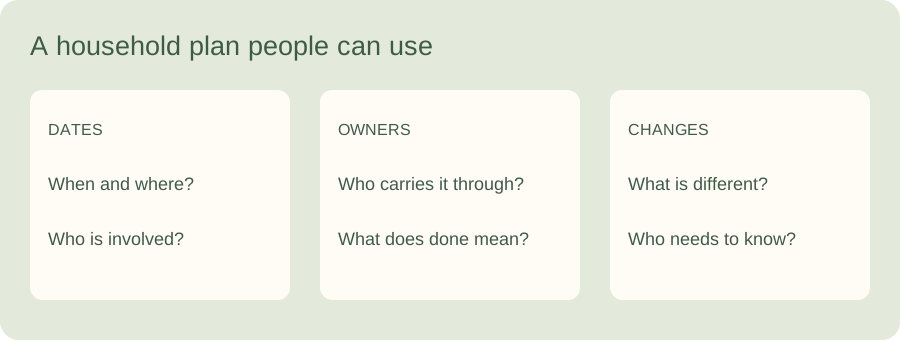
| Information | What belongs there | Example |
|---|---|---|
| Dates | Time, place and the relevant people | Early pickup Thursday; Alex collects |
| Responsibilities | Owner, finish line and deadline | Sam returns the permission form by Tuesday |
| Reference details | Useful context someone will need again | Which entrance the activity uses |
| Changes | What changed and who needs to know | Practice moved; transport needs confirming |
Do not make the organizer responsible for every update
The person who learns of a change should help get it to the people affected. If all updates must pass through one parent before anyone can act, the system preserves the same bottleneck in a tidier form.
Agree who checks a changing source such as school notices. That owner can share what matters and keep the original notice available. Other caregivers should not need to read the whole inbox to find a pickup time.
Start in the family conversation
A system is more useful when the people involved can find it. Start with Kaia in iMessage or SMS and bring one recurring family task into the conversation.
Test it with a real interruption
Use an ordinary change: a late meeting, canceled practice or a different pickup adult. Can everyone involved find the current plan? Can the owner resolve the change without asking someone else to rebuild it?
If not, fix the missing detail or unclear responsibility. Adding another app is not the only option. Often the better change is a named owner, a clearer message or removing a duplicate place where old plans linger.
Keep a short maintenance routine
At a weekly check-in, settle uncertain dates and stop tracking things that no longer help. Keep a reference list for occasional information and an action list for what matters now.
Measure usefulness in your own terms: fewer repeated questions, less searching and fewer plans that rely on one person being available. You do not need a dashboard to notice that Tuesday went more smoothly.
See a worked family example
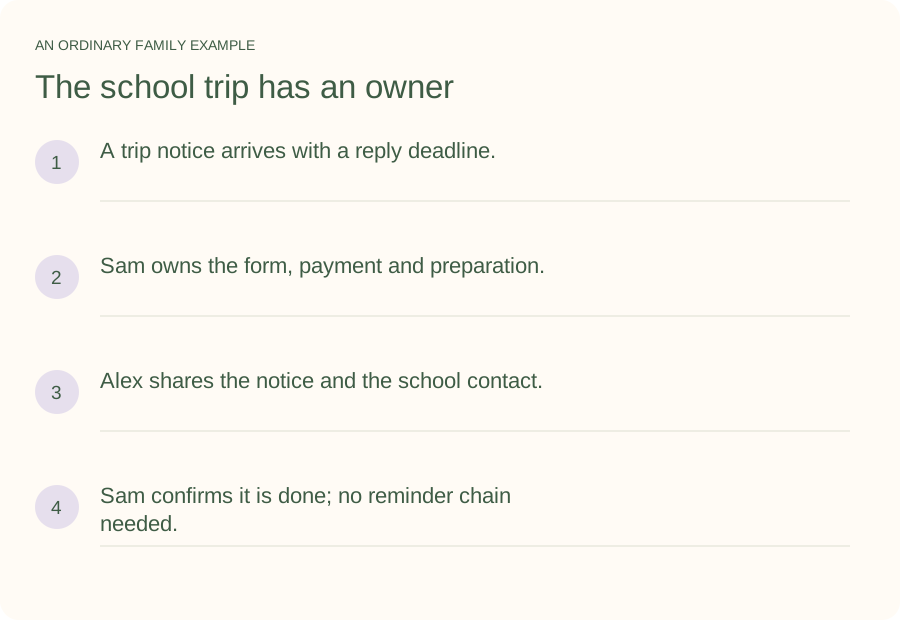
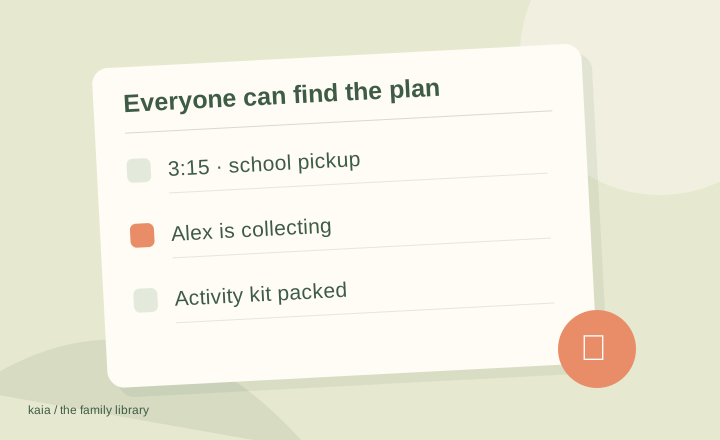
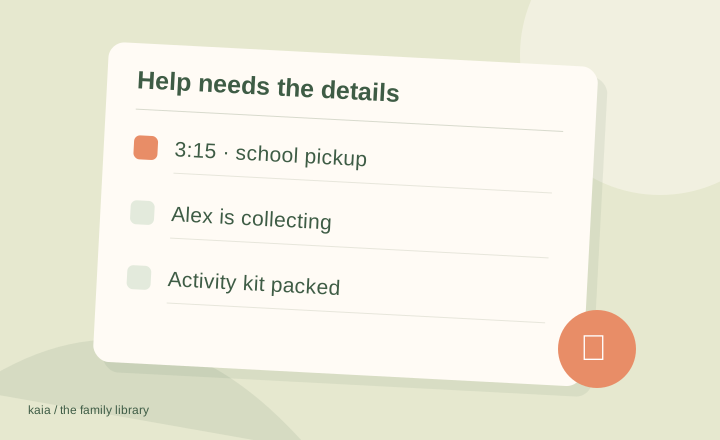
Illustrative household example; adapt the names and details to your week.
A few common questions
What should a household management system include?
Start with dates, responsibilities, useful reference information and a clear way to communicate changes. Add detail only when it helps someone act.
Do we need everyone to use the same phone?
The important thing is that the people involved can access the current plan and communicate changes. Our mixed-device calendar guide covers common sharing decisions; Kaia meets families through iMessage and SMS.