Choose one agreed source for shared dates, write events so another person can act on them, and give changes a clear owner. Keep private calendars separate where appropriate and share the details that affect the household.
Choose what belongs in the shared view
Include plans that affect other people’s time: school changes, pickups, activities, visitors, travel and appointments that change the usual routine. Not every personal event needs to be visible to everyone.
If a work appointment only changes availability, a simple unavailable block may be enough. Agree on that distinction rather than making calendar sharing an all-or-nothing choice.
Use a simple event recipe
Put the most useful information where another person will see it.
| Field | Household example |
|---|---|
| Title | Swimming: Alex takes, Sam collects |
| Time | Class start and finish; add travel planning separately |
| Location | Pool name and entrance |
| Notes | Bag by the door; goggles in front pocket |
| Preparation | Wash kit Tuesday, owned by Alex |
Avoid using color as the only explanation
Colors can help distinguish people or categories, but an event should still make sense without them. Put a name or role in the entry when it matters. This helps on small screens, printed plans and any view where the color is not obvious.
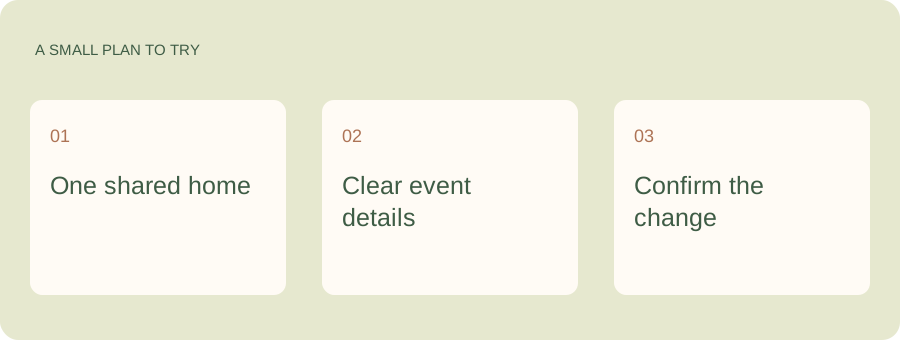
Give the calendar someone the family can ask.
A shared calendar holds dates. Kaia helps with the questions around them: what is happening, what to prepare and who is doing pickup. Put that help in the family conversation so checking the plan becomes easier for everyone.
Give changes one home
Update the original event rather than creating another one with “new” in the title. Tell the person whose responsibility changed. A calendar update and an agreed handoff are related, but they are not the same thing.
If several calendar feeds appear together, know which one owns the event. Editing a copied entry may not change the original source that somebody else is still viewing.
Choose reminders for the action
A reminder five minutes before leaving may help with a bag. It will not help with a permission form due the previous day. Keep preparation tasks and deadlines separate, then choose notifications that match when somebody can act.
Check the next week together
Look ahead briefly and settle gaps in transport, preparation and dinner timing. A shared calendar becomes dependable through those small agreements. If you use Kaia, start with the household question you need help answering and keep the relevant calendar connected through the supported setup flow.
The calendar is shared. Why am I still in charge?
A calendar entry can share a time while leaving the thinking with you. Someone still reads the notice, checks the requirements, arranges transport and notices when the plan changes. Give that surrounding work an owner, too.
Illustrative example: the trip is Friday, but permission is due Tuesday and a packed lunch is needed. Put the date in the calendar, name the person handling preparation and keep the original notice available. Sharing only Friday’s event leaves most of the work unassigned.
See a worked family example
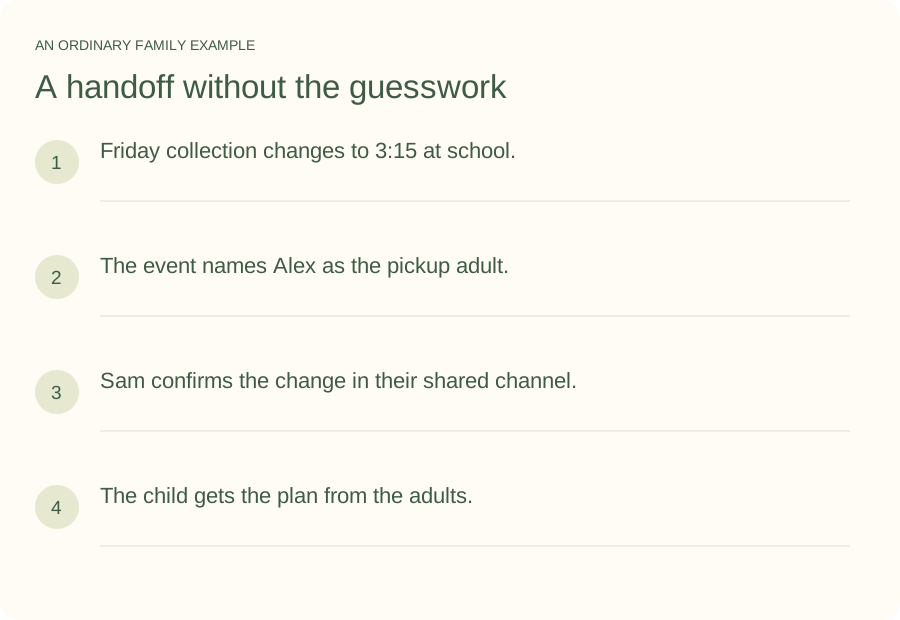
Illustrative household example; adapt the names and details to your week.
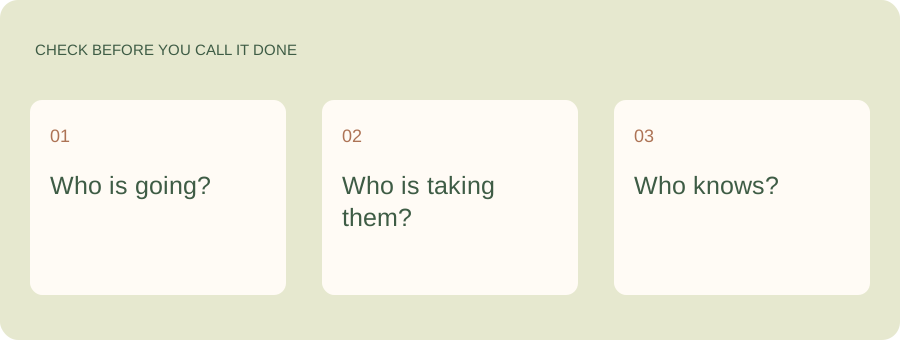
A few common questions
Is a shared calendar enough to organize a family?
It can cover dates well. Tasks, decisions and supplies may need their own place. Keep those connected to the relevant event without expecting a calendar entry to carry the whole responsibility.
Should both adults be able to edit?
Choose permissions that match responsibility. Someone who owns changes may need editing access; another person may only need to view selected information. Review access when the household arrangement changes.