Use Google’s family-group calendar where appropriate, or share a separate household calendar with the people who need it. Set permissions deliberately and test the shared view before adding a term’s worth of events.
Choose a family-group calendar or a shared calendar
Google documents a family calendar associated with a Google family group. A separately created shared calendar is another option when you want to choose its members and permissions for your particular household. Read the current support instructions for the route that fits.
Create a separate household calendar
On a computer, open Google Calendar in your browser. Beside Other calendars, use the plus menu to create a calendar. Give it a name and description, then confirm creation. Google currently requires a browser for this setup; the calendar can then appear in the app. A name such as “Family plans” or “School and pickups” helps people choose the right calendar when adding an event. Avoid names that look like a personal default account. Agree which kinds of plans belong there before filling it.
Invite people through the supported sharing flow
On a computer, find the calendar under My calendars and open its menu, then Settings and sharing. Under Shared with, add each person’s email address, choose their access and send the invitation. Check that the invitation has been accepted and that the shared calendar is visible in their calendar list. Keep a calendar private to the intended people rather than making it public just to simplify access.
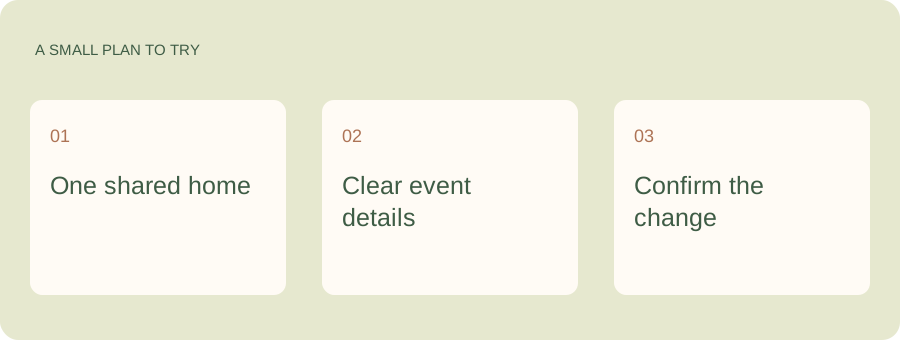
Keep Google Calendar. Add a hand with the family work.
You can keep the calendar your family already uses and connect it to Kaia. Bring the surrounding details into the conversation: the pickup owner, the school note and the dinner plan after practice.
Set up one ordinary week
Start with a small week you can check together.
| Add | Include |
|---|---|
| School change | Full date and pickup owner |
| Activity | Start, finish, place and transport |
| Family appointment | Who attends and any travel impact |
| Visitor or trip | The dates that affect the household |
| Preparation task | Owner and deadline in the appropriate task list |
Agree how you update a recurring plan
Give term-time events a sensible end date and check exceptions. When the time changes for one week, make the correct occurrence change rather than moving the whole series by accident. Read the edit dialog before confirming.
If importing school dates, check whether they are copies or a subscription. A copied calendar entry needs its own update when the source changes.
Connect the useful calendar, not every calendar
When you later connect a household assistant or another view, choose the calendar relevant to the task. Check permissions and an ordinary event. A small, well-understood setup is easier to maintain than a collection of overlapping calendars nobody can explain.
See a worked family example
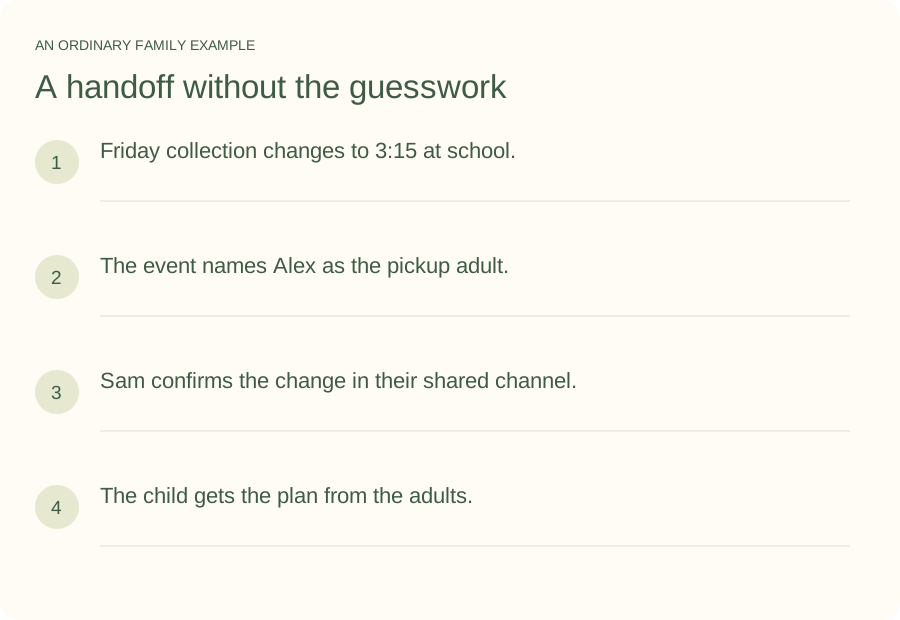
Illustrative household example; adapt the names and details to your week.
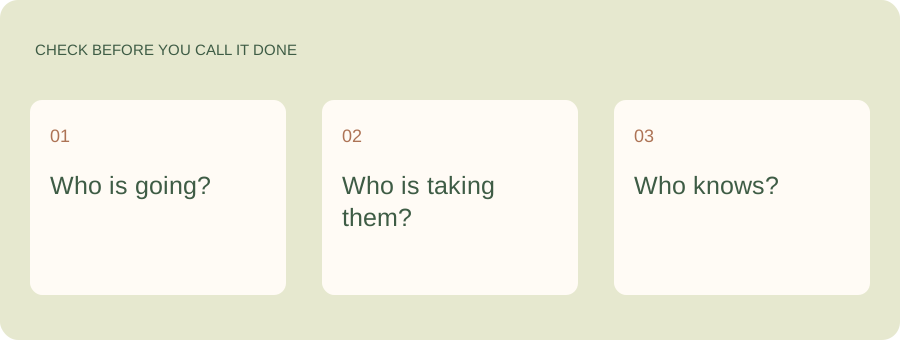
A few common questions
Is a Google family calendar free?
Google’s family-calendar feature is available through its family-group setup. Check account requirements and restrictions in Google’s current help documentation. A separately shared calendar can also be useful for household coordination.
Can I use a shared calendar without a Google family group?
You can create and share a calendar through Google Calendar’s documented sharing options. Check the recipient access requirements and choose the permissions that fit your household.
Should I make our calendar public?
Use private sharing with the intended people for household plans. Public availability is a different choice and is not required just to organize family dates.