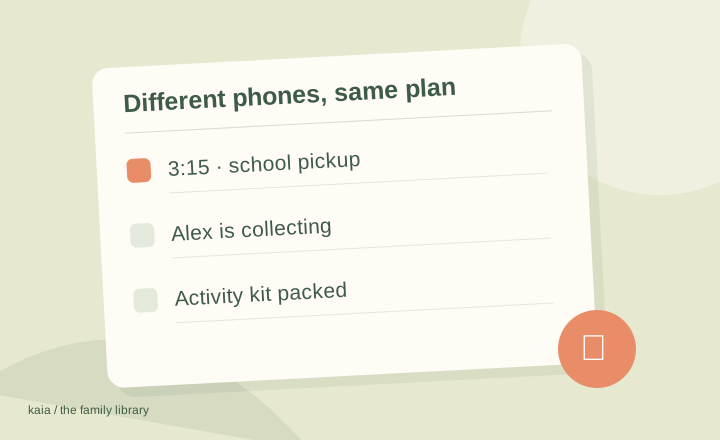
Choose a shared calendar service available to the whole household, invite each person’s own account and test an event change on both devices. The calendar service matters more than having matching phones.
Start with access, not the phone brand
A cross-device family calendar needs to work for the least convenient setup in the household too. Check how each adult signs in, sees shared events and receives updates. An app that feels easy on one phone should not require another person to maintain a workaround every day.
Google Calendar and cross-platform family organizers are possible starting points. Apple’s sharing options have their own account and access requirements; check the documented setup before relying on them for a mixed-device household.
If TimeTree is on your shortlist, our TimeTree alternatives guide looks at the preparation and pickup work around a shared event.
Choose separate accounts with the right permissions
Invite people through the service’s supported sharing flow. Each person should know which calendar is shared and what they can change. Avoid solving a sharing problem by passing around one person’s account password.
Run this four-step check
Use a clearly labeled test event so nobody mistakes it for a real appointment.
| Test | What to confirm |
|---|---|
| Create an event | Both people see the same date and time |
| Change its time | The update reaches both views |
| Edit with the second account | Permissions match the agreed role |
| Remove the test | It disappears without leaving a confusing duplicate |
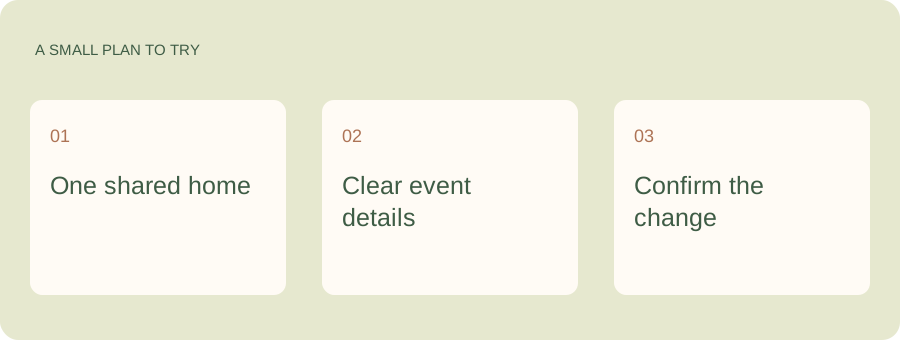
Different phones should not make you the messenger.
Agree where your shared dates live, then let Kaia help with the family questions and coordination around them. Kaia works through iMessage and SMS, so the family’s conversation can include the phones people already use.
Keep a readable household view
Personal and work calendars can stay separate while each person chooses which views to overlay. Put the shared household commitments in the calendar you agreed to use, not whichever default calendar happened to open on the phone.
Check reminders on each device
Notifications can depend on account and device settings. Ask each person to check what they receive rather than assuming your reminder settings are theirs. Keep time-sensitive handoffs explicit until you know the shared routine works.
If the same event appears twice, look for duplicate subscriptions or overlapping accounts before deleting something. One entry might belong to the source everyone else uses.
Make a rule for new plans
Once the setup works, agree that household changes go in that shared source. A screenshot of a calendar is helpful as a quick reference, but it is not a live shared plan. Use it as a snapshot, not as the only place the other adult sees updates.
See a worked family example
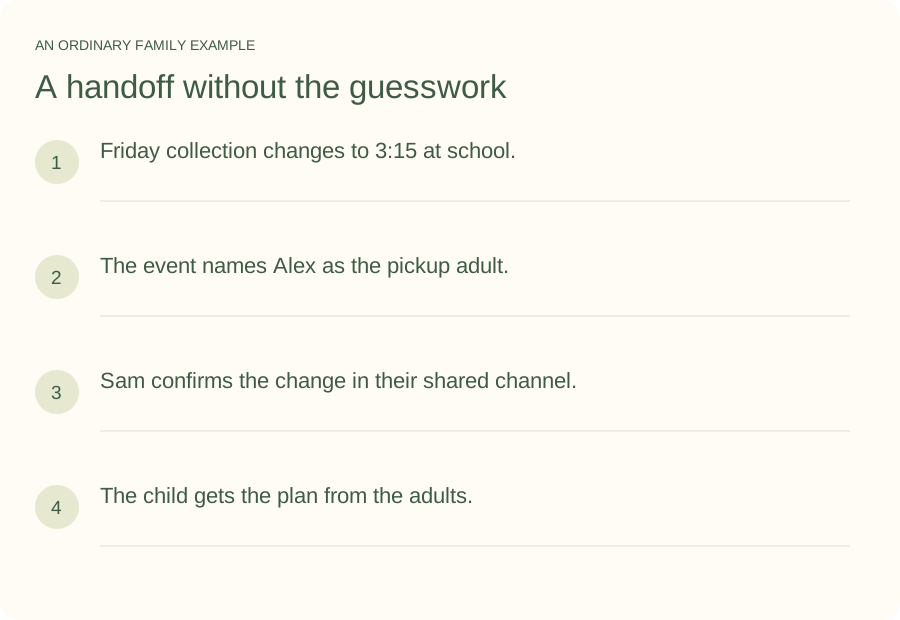
Illustrative household example; adapt the names and details to your week.
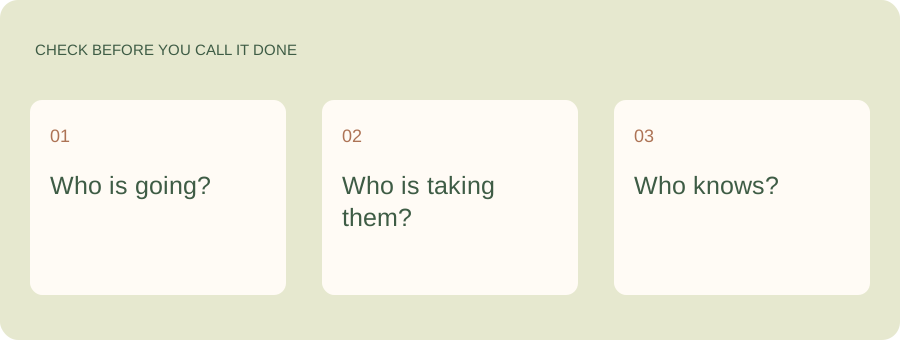
A few common questions
Do we need the same calendar app on both phones?
Not always. You need a compatible shared calendar service and a reliable way for both people to view and, where appropriate, edit it. Using the same app can make support easier but is not the only approach.
Why does one person see an update later?
A subscribed feed, app refresh behavior or device settings may affect when updates appear. Check the provider’s instructions and the source calendar before relying on a last-minute change.