Consider Kaia as a FamilyWall alternative when you want an assistant to help with family coordination inside your messages. FamilyWall offers a dedicated organizer; Kaia helps with the dates, meals and everyday details people keep asking you to remember.
Bring the family plan into the conversation.
A family organizer is useful when everyone checks it. Kaia starts with the conversation people are already having, connecting the dates, dinner questions and household details that otherwise keep coming back to you.
Start with the parts of FamilyWall your household actually opens. The adult who uses the shopping list may need a different handoff from the person who checks the calendar. Try Kaia with one shared responsibility before deciding what to move.
Keep your must-haves short
FamilyWall brings together scheduling, lists and family communication, with additional features available across its plans. A replacement might cover your main need while leaving something else behind. That is fine when the choice is deliberate.
Make three columns: use daily, use occasionally, never use. Ask another adult to fill them in too. You may find that one of you is evaluating a calendar while the other is evaluating a shopping list.
Compare the handoff, not just the number of features
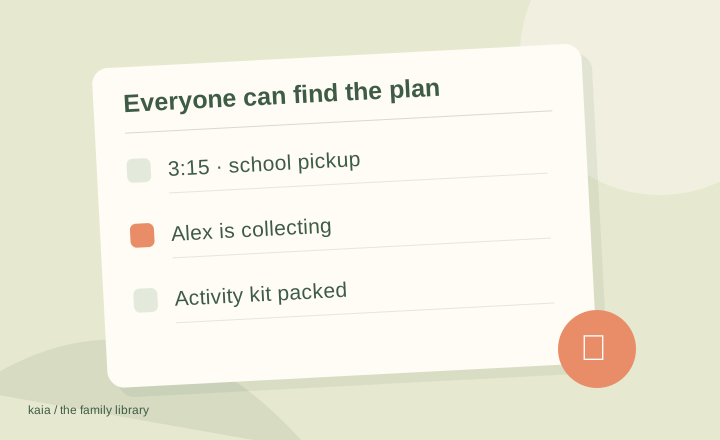
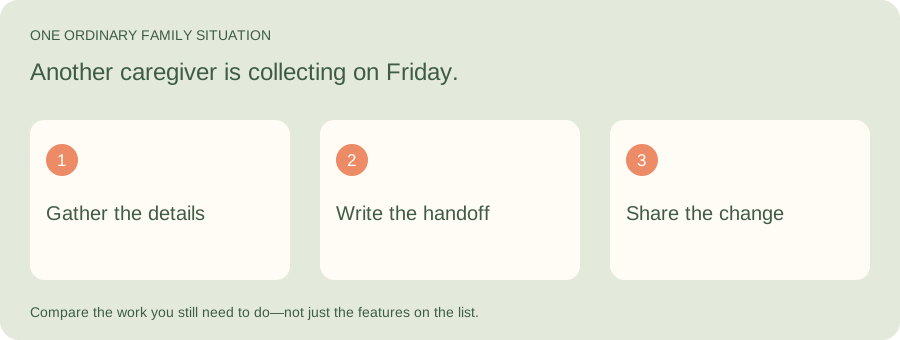
Illustrative family situation: Another caregiver is collecting on Friday.
Shared lists and calendars matter most when they help someone act. Give Kaia the collection details and ask for a short handoff note. Compare the effort of preparing and finding that information with your current routine.
| Part of the job | What to look for |
|---|---|
| Find | Time, entrance, bag and the adult to contact |
| Prepare | A short note containing only what this caregiver needs |
| Maintain | A clear place for the current plan when arrangements change |
Choose a direction before choosing an app
These are different kinds of alternatives. Pick the direction that fits, then compare products within it.
| What you want next | Shortlist direction |
|---|---|
| A familiar all-in-one organizer | Cozi |
| A simpler place for shared dates | TimeTree or Google Calendar |
| A plan children can see at home | Skylight or Hearth |
| Help beginning with existing family messages | Kaia |
| A particular specialist feature | Check that requirement directly with each provider |
Test the second person’s experience
The organizer is not shared just because it has an invite button. Give the other adult a simple task: add bread to the list, change the Saturday plan, or find the address for a birthday party. Avoid explaining every tap while they do it.
If they need a different view or fewer notifications, set that up during the trial. The goal is a routine both people can maintain, not one highly organized person with another account to manage.
Bring over the information that still matters
Old completed tasks do not all need a new home. Focus on future dates, recurring responsibilities and lists with current items. Keep a record of any information you would be upset to lose before closing an account. Check calendar sharing separately from the rest of the move.
A Friday pickup handoff worth testing
Illustrative example: your sister is collecting at 4:10 on Friday, using the side entrance. The swimming bag is by the door, and the after-school club needs to know who is collecting.
Try Kaia with: “Maya is collecting on Friday at 4:10 from the side entrance. Help me make a handoff note with the swimming bag and the club notification. Ask what is missing.” Then change pickup to 4:30 and check the note again.
| Keep | Move into the handoff | Leave behind |
|---|---|---|
| Current pickup permission | The collecting adult, entrance and latest time | An old pickup arrangement that no longer applies |
| Useful calendar details | Bag, destination and anything still to confirm | Completed tasks from last term |
| Your existing contact information | How the collecting adult checks the plan | A requirement to explain the whole organizer |
Try a change, not just a clean new event
It is easy to judge a new organizer when the week is empty. A more revealing test is a change: practice is canceled, dinner moves later, somebody else is doing pickup. See how clearly the update reaches the people involved.
If your family is already having those conversations in iMessage, Kaia offers a different starting point. The question is whether it reduces the steps between discussing the plan and keeping the household informed.
Start with the job you want off your plate
Try this with Kaia: “Here are the things we need to sort out this week. Help us make a family plan.”
Keep the useful parts of your current routine. Let the next task show you where a family assistant can make the week easier.
See a worked family example
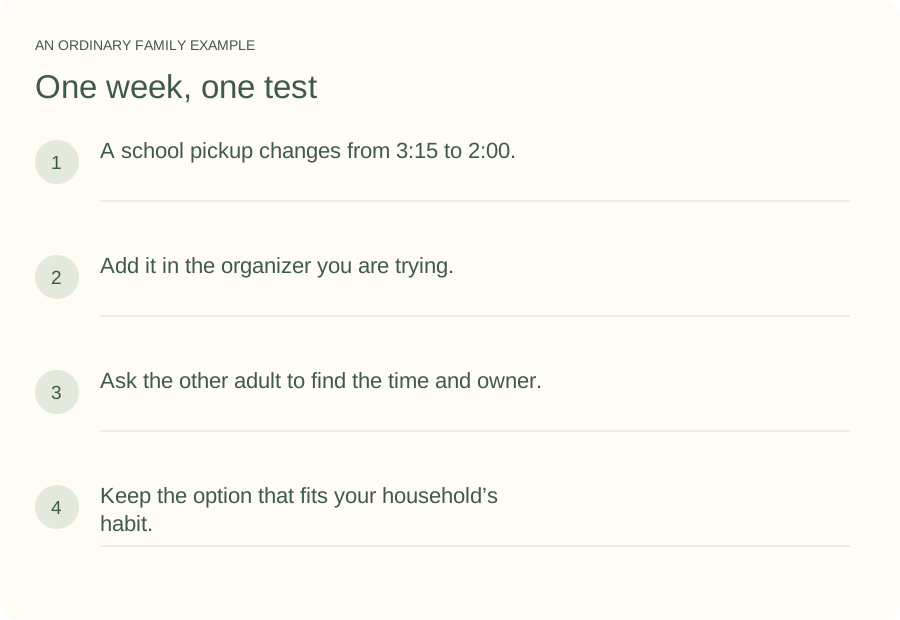
Illustrative household example; adapt the names and details to your week.
A few common questions
Should we replace every FamilyWall feature?
Only if you use every feature. Write down your essential jobs first. A simpler replacement can be a good choice when it covers those jobs and you consciously retire the rest.
What if only one adult wants to switch?
Agree on the problem first and test one week together. Ask the other person what would make their part easier. A tool chosen without that conversation can become another one-person system.
How do I try Kaia with my family?
Start with one ordinary family task. Here are the things we need to sort out this week. Help us make a family plan. Use the Get started link to begin with Kaia, then build from the first useful task.