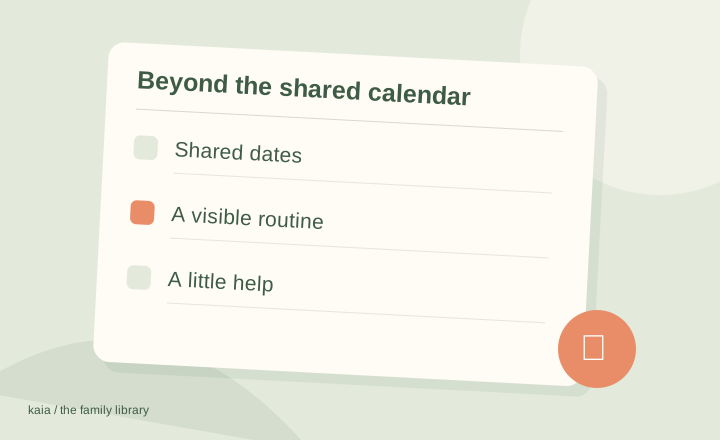
Kaia is an alternative to a calendar-only approach when your family needs help with coordination as well as dates. TimeTree focuses on shared calendars. Kaia helps with schedules, household details and meal planning through the family conversation.
Go beyond knowing what is on the calendar.
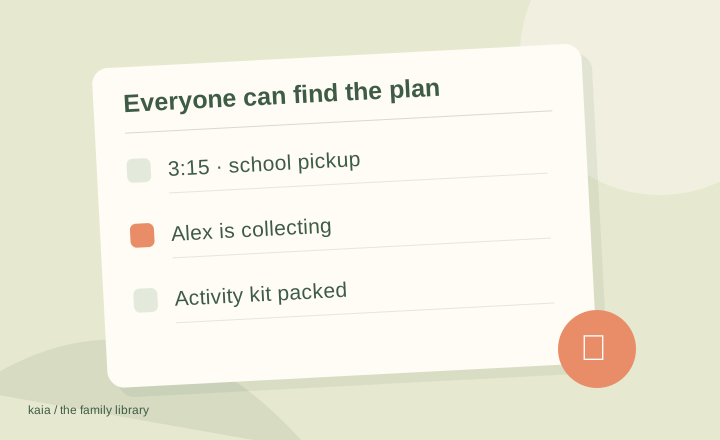
A date is useful. Knowing who is doing pickup, what needs packing and what is for dinner afterward is the rest of the job. Kaia helps your family with that surrounding work in the group chat.
Keep the shared dates that already work. Try Kaia with the surrounding job: who is taking the child, when permission is due, and what needs to be ready the night before. That is a more useful trial than copying an empty calendar.
Know what you like about TimeTree
TimeTree is built around shared calendars for groups. If that part works, identify what is missing before moving. You may need a better event-writing habit, another kind of household help, or a different organizer altogether.
A calendar entry is the start of the school-trip job
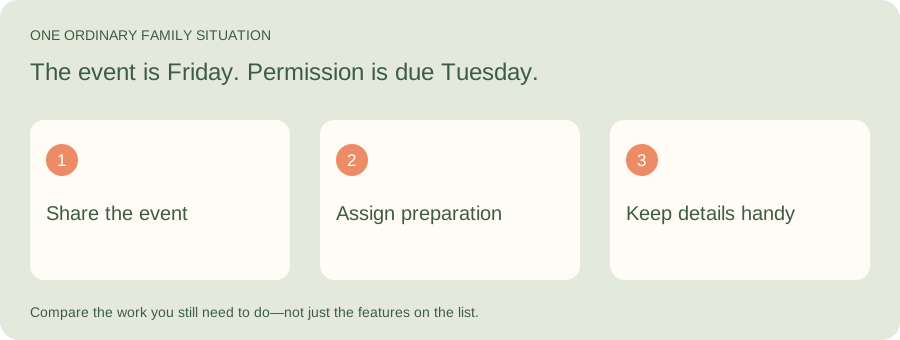
Illustrative family situation: The event is Friday. Permission is due Tuesday.
If sharing dates is already working, focus the comparison on the surrounding work. Try Kaia for the preparation and household questions that still fall back on you after the event is on the calendar.
| Part of the job | What to look for |
|---|---|
| Calendar | When and where the trip happens |
| Task | Who returns permission and arranges the required items |
| Context | Where the original notice and current arrangements live |
Put the missing job in a sentence
Try “We need someone to own the pickup plan” or “The grocery list needs to be easy to update.” Those sentences are more useful than “We need a better app.”
| Missing piece | Approach to consider |
|---|---|
| Shared dates in our existing accounts | Google Calendar or Apple Calendar |
| Dates and household lists together | Cozi or FamilyWall |
| A visible morning routine | Skylight or Hearth |
| Turning family messages into the next action | Kaia |
For couples, agree what belongs on the shared calendar
Not every personal event needs to become a shared event. Start with anything that affects the other person’s time: being away for dinner, using the car, a visitor staying over or an appointment that changes pickup.
Private calendar details can remain private. The shared entry needs enough information to coordinate, not a running commentary on everyone’s day.
For families, write the handoff into the event
“Swimming, 4:30” leaves several jobs invisible. A clearer entry says who is going, where it is, who takes them and what needs to come along. Use the description for the bag or equipment note so the title stays readable.
Before blaming the app, try this event format for a week. If the problem is still getting the information into the calendar at all, then consider a different way of capturing it.
One trip, three jobs around the calendar entry
Illustrative school trip: Friday, 8:30–3:15. The permission form is due Tuesday and a packed lunch is needed. A shared event covers Friday; the family still needs to settle the jobs before it.
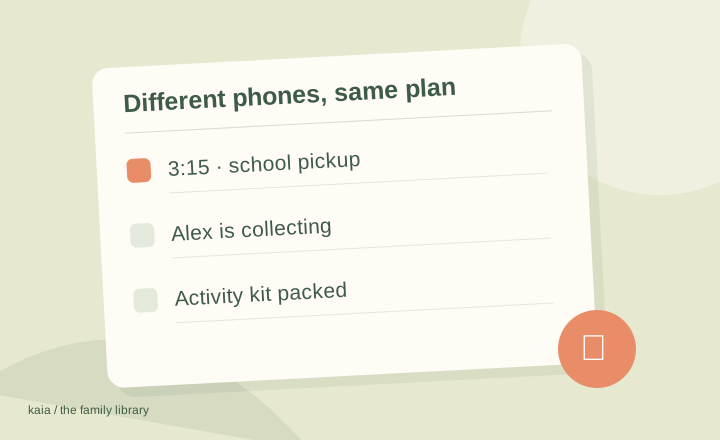
If different phones are part of the problem, use our iPhone and Android family calendar guide to check access and update permissions before changing organizers.
| When | The actual job | Make the handoff clear |
|---|---|---|
| Tuesday | Return the permission form | Name the adult doing it and where the form is |
| Thursday evening | Prepare lunch and the required bag | Agree who checks supplies and who packs |
| Friday afternoon | Collect after the trip | Record the latest finish time and collecting adult |
Keep the move small and reversible
Create the coming week in the alternative you are trying. Check a recurring event, an invitation and an update on every device that matters. Calendar subscriptions and imported copies behave differently, so check whether later changes are supposed to follow automatically.
Start with the job you want off your plate
Try this with Kaia: “Thursday has practice at 5 and a late work meeting. Help us figure out pickup and dinner.”
Keep the useful parts of your current routine. Let the next task show you where a family assistant can make the week easier.
See a worked family example
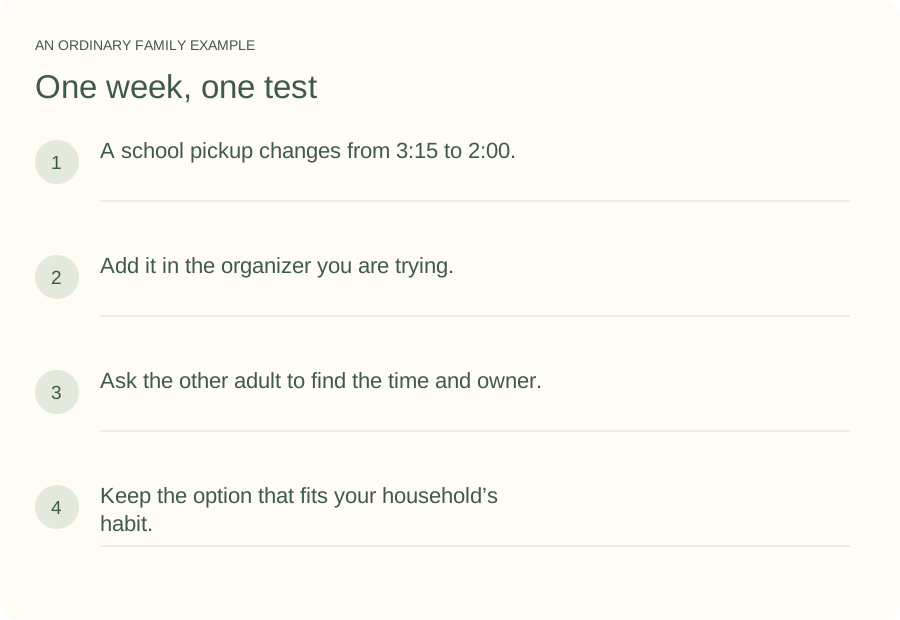
Illustrative household example; adapt the names and details to your week.
A few common questions
Is TimeTree only for families?
No. Its shared-calendar approach supports different kinds of groups. This guide focuses on family and couple use cases, so work-team features are not the deciding criteria.
What is the simplest alternative?
Often the calendar connected to accounts you already use. Simplicity depends on everyone being able to access it and understanding what belongs there, not just the number of buttons in the app.
How do I try Kaia with my family?
Start with one ordinary family task. Thursday has practice at 5 and a late work meeting. Help us figure out pickup and dinner. Use the Get started link to begin with Kaia, then build from the first useful task.