Kaia is an Ohai alternative built around your family’s existing messages. Try her when you want shared household help with schedules, meals, reminders and the details that usually live in one parent’s head. Start with a real task and see how the conversation fits your family.
Try Kaia on the task that made you search.
If you are comparing Ohai alternatives, you already know you want help. Kaia’s starting point is your existing family conversation: give her the messy details, then let the family ask her about the plan. You can start with one task and see how that feels in your own week.
Choose the task behind your search: getting the school notice out of your inbox, passing pickup to another adult, or settling dinner around a late finish. Give Kaia that task first, then make one change and check whether the plan remains easy to follow.
Start with a small job you can recognize
Choose something with a clear finish: a date entered correctly, a list ready for the shopper, or a plan another adult can find. “Organize my entire life” makes an impressive demo brief but a difficult first comparison.
Give each assistant the same ordinary task
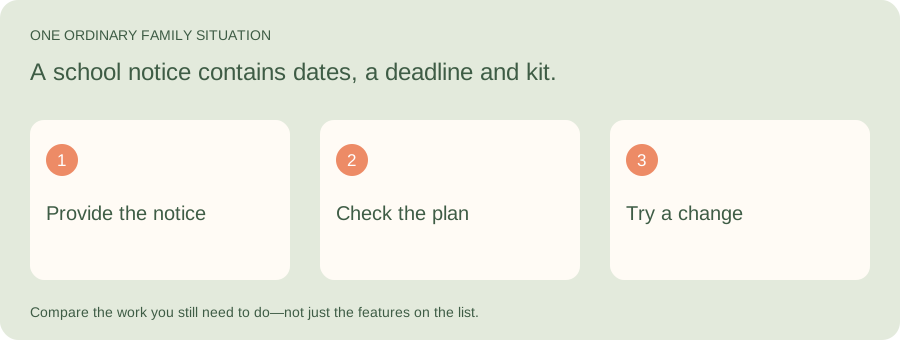
Illustrative family situation: A school notice contains dates, a deadline and kit.
Try Kaia where your family already talks. Give her one school notice, ask for the useful dates and preparation, and see how the conversation fits your week. These are practical comparison criteria, not a claim that every assistant produced a tested result.
| Part of the job | What to look for |
|---|---|
| Starting effort | What information do you have to supply or re-enter? |
| Useful result | Are the dates and next actions clear enough to use? |
| Follow-through | What do you still need to explain or maintain when the plan changes? |
Build a shortlist around the interaction
An assistant, an organizer and a shared calendar can all help a household, but they ask for different habits.
| Approach | Worth a look when… |
|---|---|
| Kaia | You want household help within iMessage conversations |
| Ohai | You want to evaluate a text-and-talk household assistant |
| Anna | You are comparing dedicated AI family-assistant options |
| Cozi or a shared calendar | You mainly want a place to organize information yourself |
Use the same school notice twice
Prepare a fictional notice with a date, start and end time, location and something to bring. Ask each assistant to help with it. Then introduce a change. Compare what you needed to explain and how easily you could check the result.
Use sample details while exploring. The point is to see the workflow clearly, not to move your family’s full information before you have made a choice.
A sample notice you can use in your trial
Illustrative notice: “Class visit on Friday, 9:00–2:30. Return permission by Tuesday. Bring a packed lunch and a raincoat. Collection is from the side entrance.” No real child’s details are needed to try the workflow.
Start with: “Help us turn this notice into the dates, preparation and pickup plan. Ask which adult owns each job.” Then follow with: “Collection has moved to 3:00 and Sam is collecting instead.”
| Look at this part | What you should be able to check |
|---|---|
| The first plan | The trip time and permission deadline have not been confused |
| The preparation | Lunch and raincoat have an owner rather than a vague reminder |
| The change | The current pickup time and adult are easy to find |
| The handoff | Another adult can understand the plan without your running commentary |
Look at the handoff to the rest of the household
An assistant can feel helpful to one person while everyone else still asks that person for the plan. Check how another adult becomes involved, where the result lives and how a changed responsibility gets communicated. The person handling tomorrow’s pickup should not need a tour of yesterday’s conversation.
Ask what happens when something is unclear
A notice might say Friday without a date. A recipe link might not include quantities. Notice whether the workflow lets you clarify the missing piece before you rely on the result. Being able to understand and correct a plan is part of a useful assistant experience.
Make your comparison about effort across the whole task: starting it, checking it, sharing it and making changes. Speed on the first reply is only one part.
Start with the job you want off your plate
Try this with Kaia: “I have a school notice, a changed pickup and no dinner plan. Help me sort out tonight.”
Keep the useful parts of your current routine. Let the next task show you where a family assistant can make the week easier.
See a worked family example
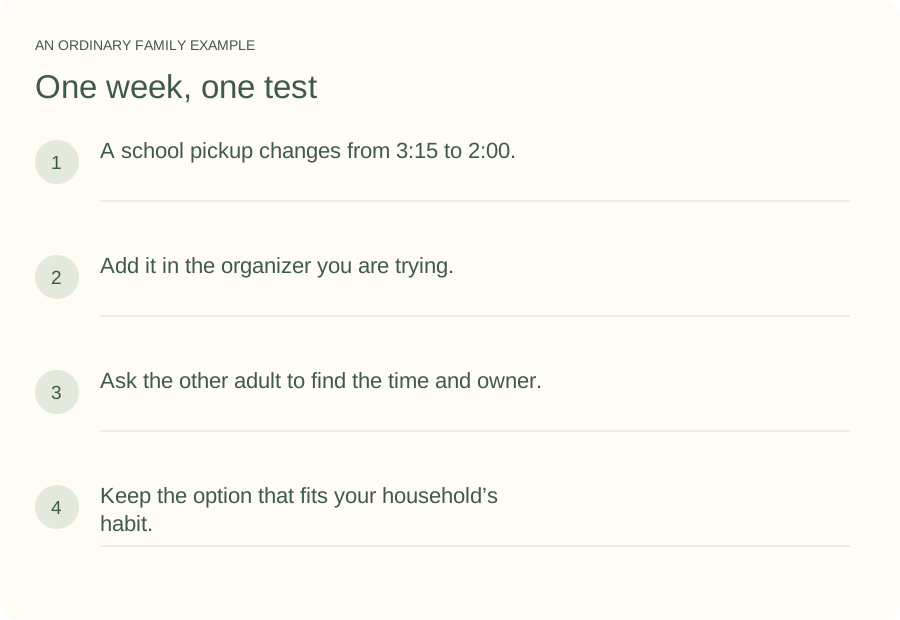
Illustrative household example; adapt the names and details to your week.
A few common questions
Is Kaia the same kind of product as Ohai?
Both address family coordination, but the exact workflows and interfaces differ. Kaia’s starting point is household help in iMessage. Compare the task and interaction that matter to your family rather than treating every AI assistant as interchangeable.
Do I need an AI assistant rather than a family organizer?
If the family already enters and maintains its information comfortably, an organizer may be enough. An assistant is worth exploring when capturing, sorting and coordinating the incoming information is the work you want help with.
How do I try Kaia with my family?
Start with one ordinary family task. I have a school notice, a changed pickup and no dinner plan. Help me sort out tonight. Use the Get started link to begin with Kaia, then build from the first useful task.