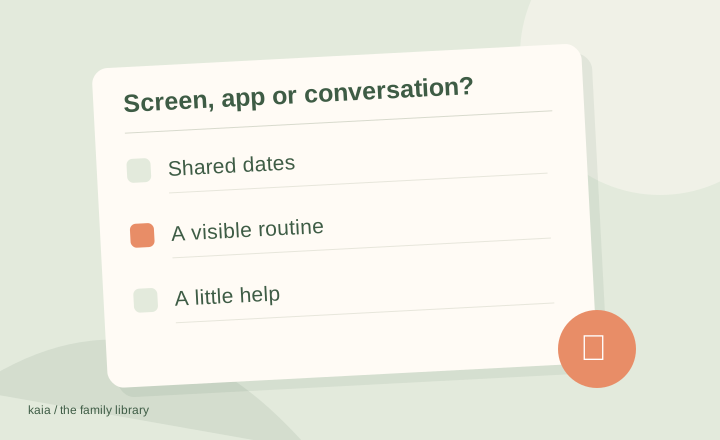
Choose Kaia when your priority is help managing the family week without adding another screen. Skylight and Hearth offer an in-room view of schedules and routines; Kaia brings an assistant into the conversation, where your family can ask about the plan and share the details.
Try the help before adding another screen.
A kitchen display gives your plans a place to be seen. Kaia gives your family somewhere to ask about them, using the phones and conversations you already have. Start with the part of the week that keeps falling back on you.
You do not have to reorganize your whole household to get started. Give Kaia one real task: the changed pickup, a school notice or tonight’s dinner. See how it feels to ask for help in the conversation you already use.
What a display does especially well
A shared screen gives a plan a physical home. Children can glance at a routine, a visiting caregiver can see the afternoon, and nobody has to find the right tab first. If visibility is the missing piece, keep that advantage at the center of your decision.
Both Skylight and Hearth offer more than a digital version of a paper calendar. Look at their current routine, import and mobile features rather than assuming all information must be entered by hand.
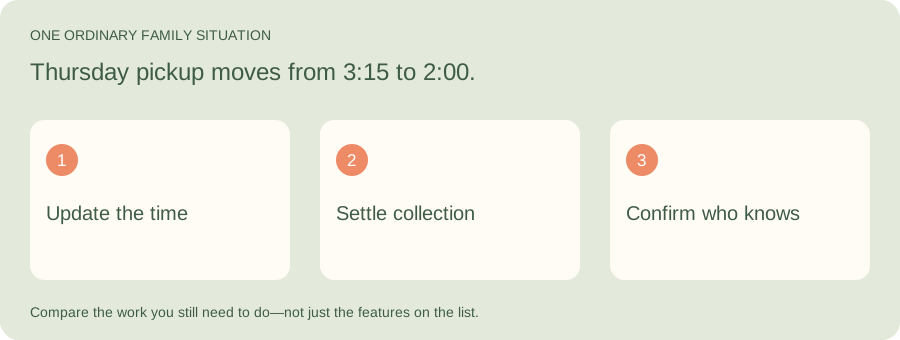
What happens when pickup changes away from home?
Illustrative family situation: Thursday pickup moves from 3:15 to 2:00.
A display can make a plan visible at home. Kaia gives you a way to ask for help with the change in your existing messages. Use that ordinary interruption to judge which approach removes more work for your family.
| Part of the job | What to look for |
|---|---|
| At home | Can the person looking at the display see the current plan? |
| Away from home | Can the adult collecting find the update where they already look? |
| Ongoing effort | Who enters the change and makes sure the right person sees it? |
Compare the household experience
Use this table as a set of questions to take into a demo, rather than a points-based winner.
| Option | The reason to shortlist it | Your most useful test |
|---|---|---|
| Kaia | Household help inside iMessage conversations | Does starting with a message fit how new plans arrive? |
| Skylight | A shared calendar display with family planning features | Can the child and the adult doing pickup each find what they need? |
| Hearth | A visible place for family schedules and routines | Does the routine layout fit your mornings and evenings? |
| Cozi | A household organizer on devices you already use | Will the people responsible for updating it keep using it? |
Count the work between receiving and seeing a plan
Use a school notice as your example. Someone receives it, identifies the relevant dates, puts them in the right place, adds who is responsible, and deals with changes. A beautiful view at the end is valuable. So is reducing the effort before the plan reaches that view.
We are parents who have tried different family apps and devices. Useful as they can be, keeping another system up to date can become another job. We built Kaia to bring help into the chats and browser you already use.
Compare costs over the same period
For a display, include the hardware, any mount or stand you need, and the optional subscription features you intend to use. For software, compare the plan that actually covers your household. Use a twelve-month period for both.
Check current prices and included features on each provider’s site. A subscription-free calendar and a paid assistant are doing different jobs; compare the work you want covered before comparing the totals.
You can keep the screen
If a display helps your children follow the day, that is a good reason to keep it. You might still want a different approach to capturing school information, deciding dinner or sharing responsibilities. Replace the part that is frustrating, rather than rebuilding everything because one piece is hard.
Start with the job you want off your plate
Try this with Kaia: “Here is our week. Help us sort out pickups, dinners and who needs to do what.”
Keep the useful parts of your current routine. Let the next task show you where a family assistant can make the week easier.
See a worked family example
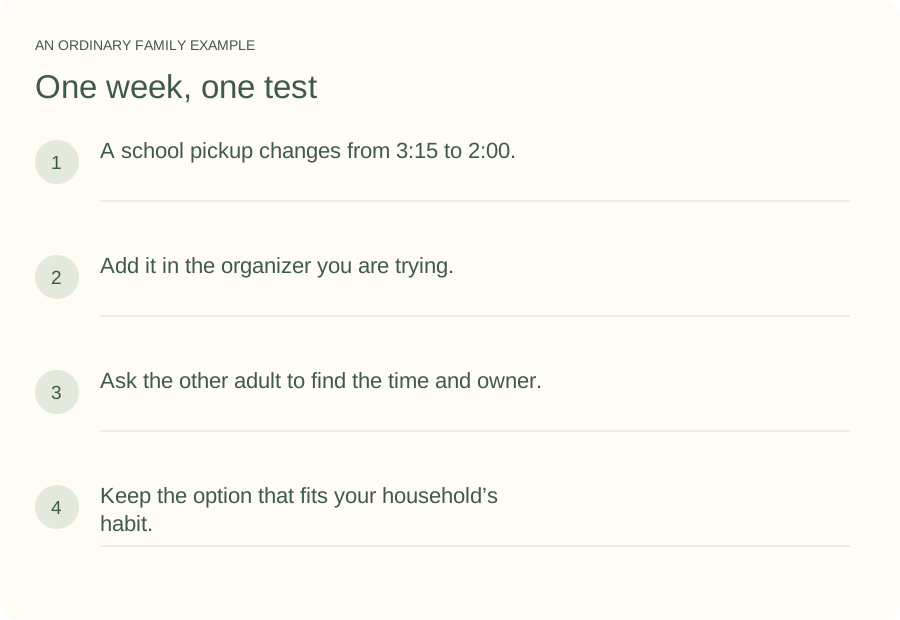
Illustrative household example; adapt the names and details to your week.
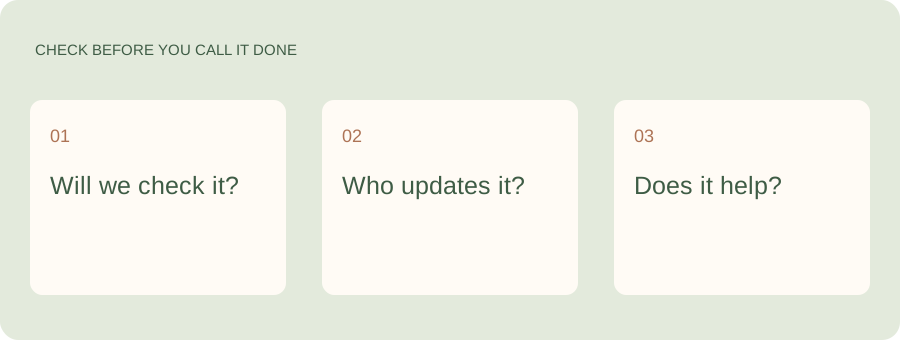
A few common questions
What is a cheaper alternative to Skylight?
A shared calendar or family organizer on existing phones avoids buying a display. Whether it replaces what you need depends on how important an always-visible screen is in your home. Compare subscription features separately from hardware.
Do Skylight and Hearth require a subscription?
Included features and optional memberships differ by product and can change. Check the linked manufacturer pages for the exact features you plan to use. Compare those features over the same period instead of treating all subscription plans as equivalent.
Can I use Cozi instead of a wall display?
Yes, if your family is happy checking a phone or computer. It changes where you see the plan. It does not provide the same room-level visibility for children or visitors.
How do I try Kaia with my family?
Start with one task you currently manage around the calendar. Here is our week. Help us sort out pickups, dinners and who needs to do what. Use the Get started link to begin with Kaia, then build from the first useful task.