Sort school messages into dates, actions and reference information. Give someone ownership of checking each source, move the useful details into the shared plan, and keep the original message easy to find.
List the places school information arrives
Email is often only one source. There may be a school portal, a class group, paper in a bag and messages from an activity leader. Write down the places that matter, then choose who checks each.
Use email folders or filters to help collect notices, but do not assume a folder has made a plan. The action happens when someone reads the important detail and gives it a next step.
Give each message a destination
A short sorting rule is enough.
| What the message contains | Next step |
|---|---|
| An event or changed school time | Calendar entry or update |
| A reply, payment or permission request | Task with owner and deadline |
| Something to bring | Preparation note or task |
| General information | Reference folder |
| Nothing relevant to your household | Archive when appropriate |
Read for the exceptions
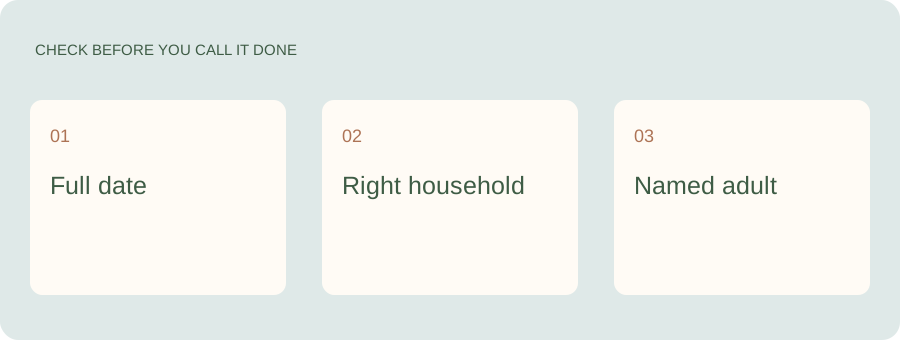
Look for changes, early finishes, deadlines and class-specific details. A familiar weekly format can make it easy to skim past the one unusual line. Check which child or activity the information applies to before putting it into the shared plan.
Get the school notice out of your inbox and into the plan.
Kaia helps families turn school information into dates and reminders. Bring the notice into your household workflow so the next step does not depend on you remembering to reread the email tonight.
Make the handoff short and complete
A useful message to another adult can be as simple as: “Early pickup Friday, 12:30. Can you cover it? The school notice is linked here.” It includes the change, the action and the source.
If asking Kaia to help organize a notice, state which household or class details matter. Keep the original available for anything that needs clarification. Avoid forwarding unrelated private conversation just to capture one date.
Use a small check-in instead of a giant cleanup
Choose a regular moment to review unresolved school tasks and look ahead. The interval should fit how your school communicates; urgent messages may need attention sooner. A five-minute check of the action list is more useful than a spotless folder that nobody opens.
Retire the old plan when the update arrives
A new message should change the existing event or task. Mark the previous instruction as superseded if you are keeping it for reference. The family should not have to compare two emails at the school gate to decide which one is current.
School starts. So does a second inbox.
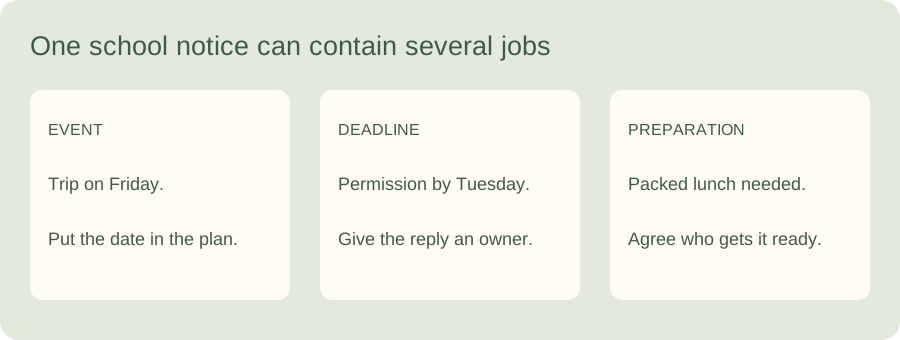
The challenge is often the work hidden between reading a message and getting a child to the right place. One notice can contain an event date, a separate reply deadline and a request to bring something. Pull those apart before filing the message.
In this illustrative week, Monday’s notice announces Friday’s trip, Tuesday’s message changes Wednesday’s pickup, and Thursday brings a kit reminder. Give each message an outcome: a date, a task with an owner, a reference to keep or nothing further. Keep one person responsible for checking the source, without making them responsible for doing every resulting job.
See a worked family example
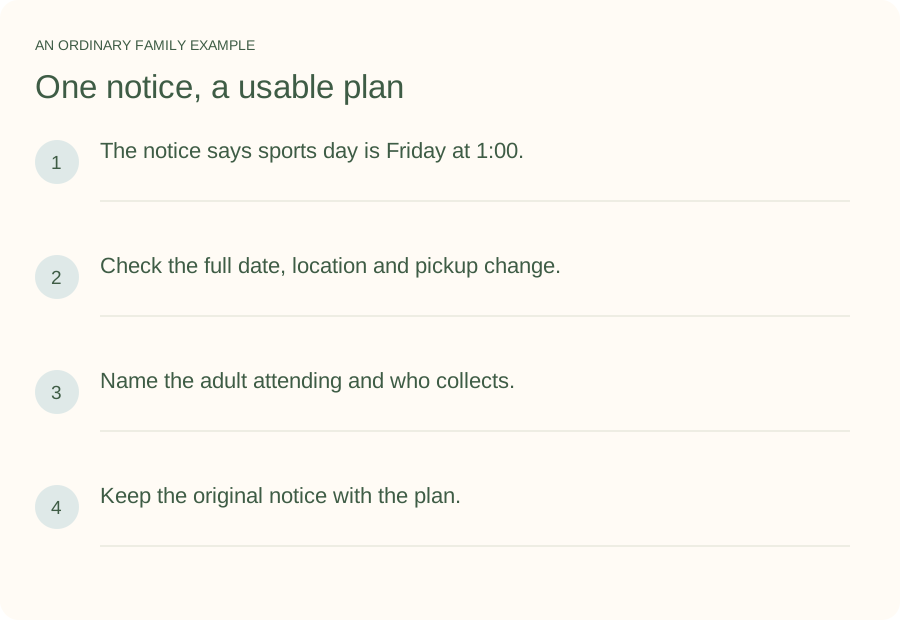
Illustrative household example; adapt the names and details to your week.
A few common questions
How should two adults share school-email responsibility?
Assign ownership of a source or a complete job, then agree how relevant information reaches the other person. Forwarding every message without a clear handoff can leave both people assuming the other is handling it.
Do I need a new app just for school emails?
Not necessarily. A folder, a shared calendar and a task list may be enough. Consider additional help when extracting and coordinating the information is the work you want to reduce.