Add confirmed term dates and closures first, then recurring activities, transport responsibilities and preparation deadlines. Check the official source and review changes during the year.
Begin with the school’s confirmed dates
Use the current official school calendar and note which year it covers. Add closures, term starts and finishes, and early pickups that affect your household. Keep school-wide dates separate from class-specific events until you know which apply.
Do not fill a blank with last year’s pattern. If a date is still provisional, label it clearly and give someone the job of confirming it.
Build the weekly pattern
Recurring activities need an end date as well as a start.
| Activity detail | What to record |
|---|---|
| When | Day, start, finish and term boundaries |
| Where | Venue and any special entrance |
| Transport | Who takes and collects |
| Preparation | Kit, food or forms |
| Exceptions | Holidays, canceled sessions and changed weeks |
Put preparation on a different clock
The swimming lesson is on Thursday; washing the kit might need to happen on Tuesday. Keep preparation tasks separate from the event so the household sees them before they become urgent. Use an owner for each task rather than hoping the calendar reminds everyone equally.
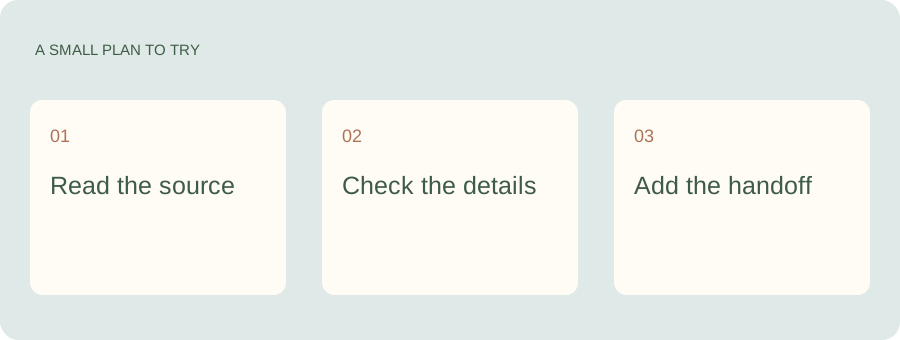
Keep the school plan useful when the term gets busy.
The first calendar setup is only the beginning. Kaia gives your family somewhere to put the changed date, ask about the next event and handle the preparation that comes with it.
Walk through one ordinary week
Choose a week after activities have settled and read it together. Check who is taking each child, whether travel time fits and where the bags need to be. A timetable can be technically correct while two people are expected in different places at once.
Use the school-year checklist to capture the unresolved items. It is better to spot a question now than to let an attractive recurring event hide it for a term.
Turn the repeat parts of that school week into a family routine chart so the calendar is not the only place holding the plan.
Agree who updates changes
Give the school calendar a clear owner or divide ownership by child or activity. The owner updates the plan and makes the relevant handoff. Other adults should have the access they need without being expected to watch every school channel themselves.
Check again when the term changes
Review recurring events before the next term begins. Remove expired clubs, confirm new times and clear old reminders. A calendar gets easier to trust when last term’s entries are not still asking for a bag nobody needs.
See a worked family example
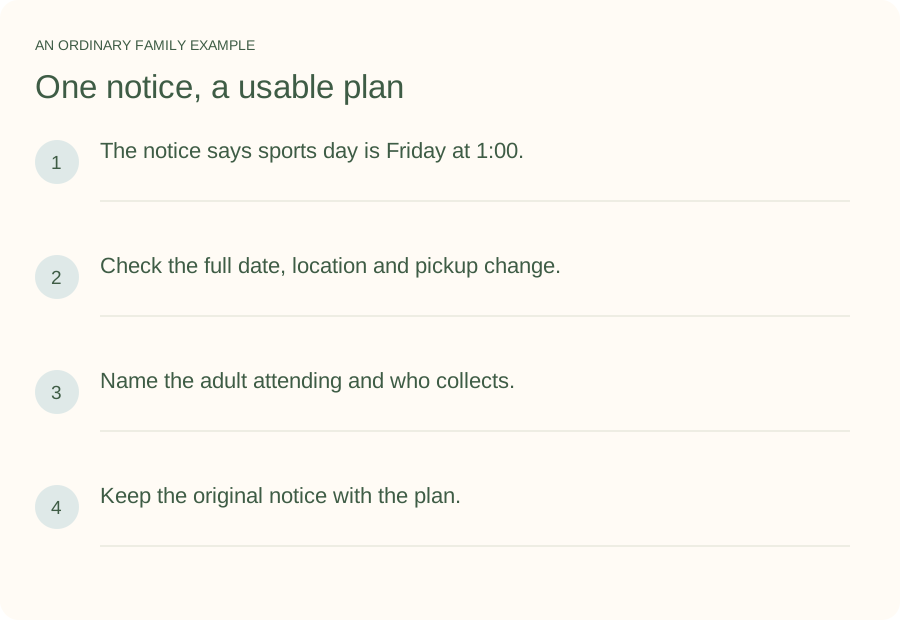
Illustrative household example; adapt the names and details to your week.
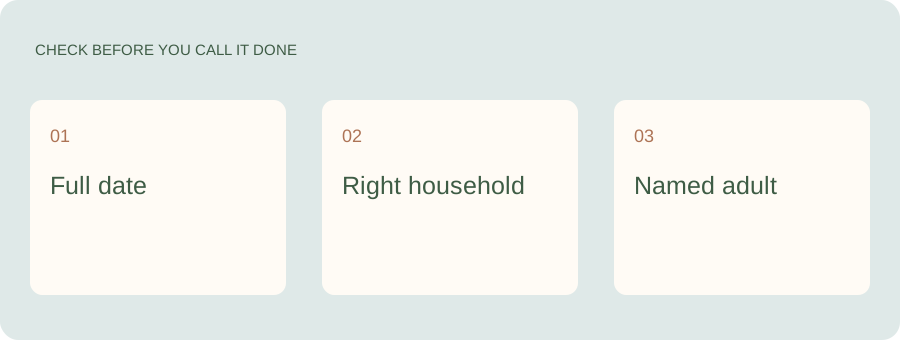
A few common questions
Should every school date go on our family calendar?
Only dates that affect your household or require action. Keep the school’s full calendar as a reference if useful, and make your family view readable.
How do I avoid activity reminders during holidays?
Set appropriate recurrence end dates and check exceptions against the school or activity calendar. Review the next term before reusing the series.